Which AppShield Model Do You Need? Zero Code Shielding vs Offline SDK vs Managed Security
A clear decision guide: when to use Security Box, Offline SDK, or Online Managed SDK based on speed, infrastructure, and enterprise visibility needs.
December 19, 2025
There isn’t one “best” mobile security setup. There’s the right fit.
Some teams need to ship tomorrow.
Some teams need to satisfy audits next quarter.
Some teams need full visibility across thousands of devices.
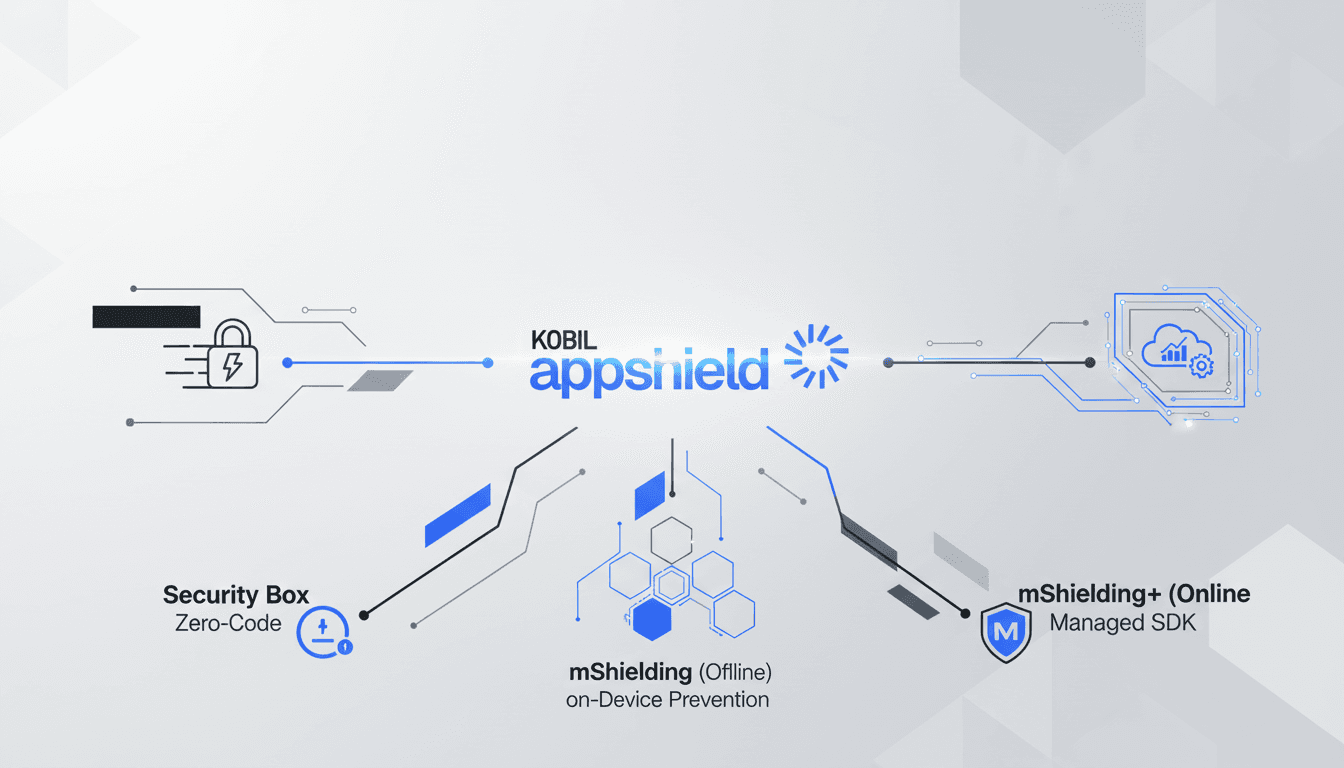
That’s why the AppShield portfolio isn’t a single product.
It’s three models built for different realities:
Security Box (Online, SaaS / zero code shielding)
mShielding (Offline SDK / on device runtime protection, no server)
mShielding+ (Online Managed SDK / SSMS + risk intelligence + anonymous IDP)
Let’s make the choice simple.
Option 1: Security Box for instant scanning + protection, with zero SDK work
If your team wants speed and minimal friction:
Upload your build
Get a vulnerability report
Apply protection
Download the hardened app KOBIL AppShield+1
Security Box is explicitly positioned as fast application shielding without management server or IDP, achieved by uploading the app package with zero SDK integration.
Choose Security Box if:
You want zero code setup KOBIL AppShield
You need fast proof of security posture (and quick hardening)
You don’t want to manage security infrastructure
You’re moving fast and need security to keep up KOBIL AppShield
Option 2: mShielding (Offline SDK) for strong runtime prevention without backend overhead
Some environments don’t want cloud dependencies.
Some teams want SDK level control but no management servers.
mShielding is designed to run entirely on device, with prevention mode protections that block threats without server connectivity or dashboards.
It includes coverage like:
Anti reverse engineering / anti code injection
Frida detection, anti emulation
Root/jailbreak + advanced rooting tool detection
UI protections (screen capture/recording, tapjacking defense, remote control prevention, anti keylogging)
Choose Offline SDK if:
You need runtime threat prevention that works offline KOBIL AppShield
You prefer on device enforcement over centralized management
You want strong protection with minimal infrastructure complexity
Option 3: mShielding+ (Online Managed SDK) for enterprises that need visibility, reporting, and control
If you’re in a regulated environment, the question changes from:
“Can we block threats?”
to
“Can we see, measure, report, and continuously improve?”
mShielding+ is built for that: it combines advanced protection with SSMS and an anonymous Identity Provider, generating security telemetry (“risk bits”) while simultaneously preventing threats in real time.
It’s positioned for scenarios requiring:
Centralized visibility and policy control (SSMS dashboard)
Granular risk intelligence (“risk bit system”)
Device binding with privacy preserving identity correlation
Compliance ready reporting and audit trails
Choose Online Managed SDK if:
You need SOC integration, auditability, and enterprise governance
You manage security across large fleets (thousands+ of devices)
You need both prevention and intelligence (detection + reporting)
The simplest decision rule
Need speed + no code? Choose Security Box. KOBIL AppShield
Need runtime prevention without cloud/infrastructure? Choose mShielding (Offline SDK). KOBIL AppShield
Need enterprise visibility + reporting + device binding? Choose mShielding+ (Online Managed SDK).
The bottom line
Mobile threats don’t wait for your roadmap.
Your security model shouldn’t slow your business down.
Pick the model that matches your operating reality and ship protected.